Time-aligned transcription
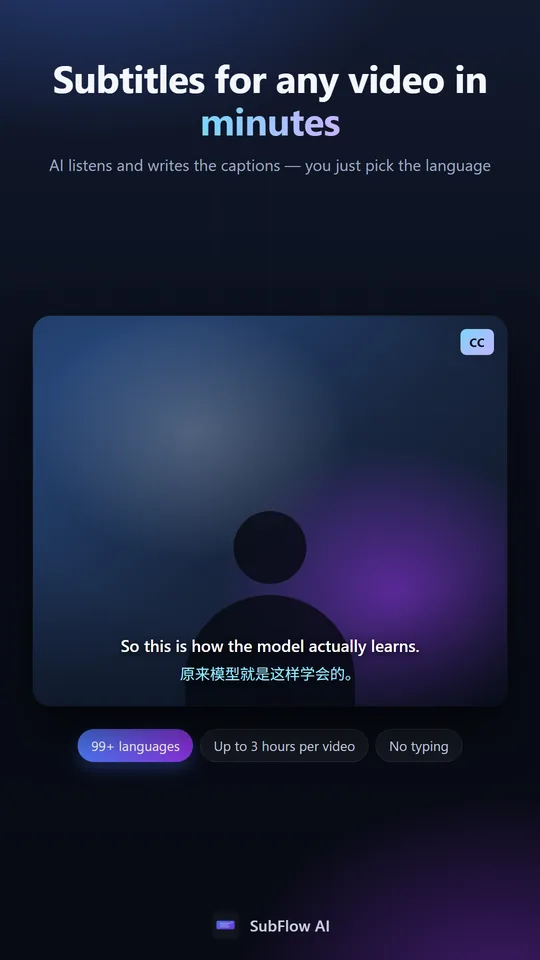
Speech is converted into caption segments with timestamps ready for review and playback.
AI subtitle generator
Upload a video, generate time-aligned captions, correct every line in a focused editor, and export the result without rebuilding your workflow.
30 free minutes monthly · No credit card · 99+ languages
Speech is converted into caption segments with timestamps ready for review and playback.
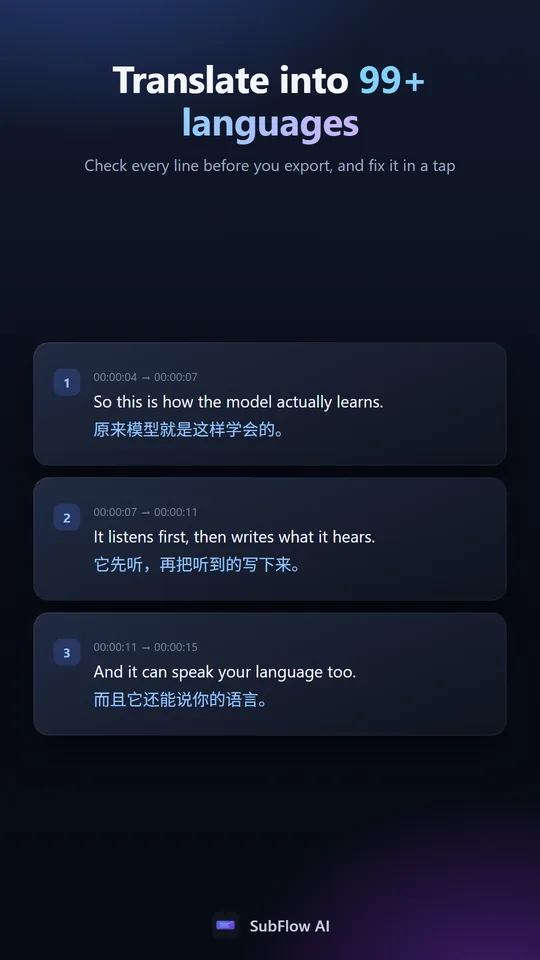
Edit wording, split long captions, merge short lines, and preview changes against the video.
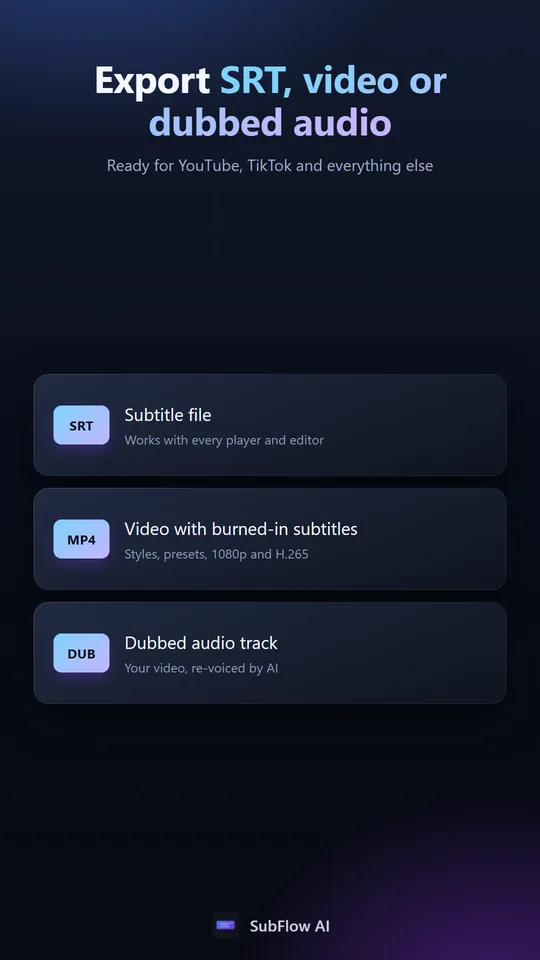
Download an SRT file or render subtitles directly into a share-ready video.
Workflow
Choose a video or audio file up to 500 MB from your device.
Follow each caption with synchronized playback and make precise corrections.
Download subtitles for your editor or create a video with burned-in captions.
In the app
Common questions
Yes. Every caption can be edited, split, or merged before export.
SubFlow AI exports standard SRT subtitle files and can also render captions into video.
No. New accounts receive 30 free processing minutes each month.
Yes. Choose a target language when creating the project to generate bilingual or translated subtitles.