About 85 languages
Two voice providers between them cover roughly 97% of the target languages people actually pick here, Persian and Arabic included.
AI video dubbing
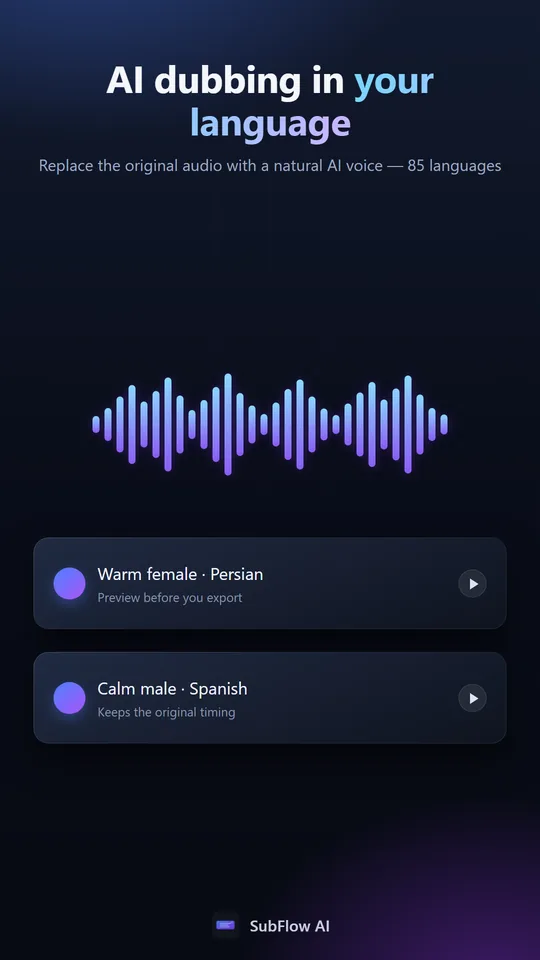
Subtitles ask people to read. Dubbing lets them listen. SubFlow transcribes the speech, translates it, and speaks it back in an AI voice timed to the original — in about 85 languages.
30 free minutes monthly · No credit card · 99+ languages
Dubbing is available in the SubFlow apps for Android and HarmonyOS. On the web you can create, edit and export subtitles.
Two voice providers between them cover roughly 97% of the target languages people actually pick here, Persian and Arabic included.
Each line is fitted to the gap it has to fill, so the dub tracks the picture instead of drifting further out with every sentence.
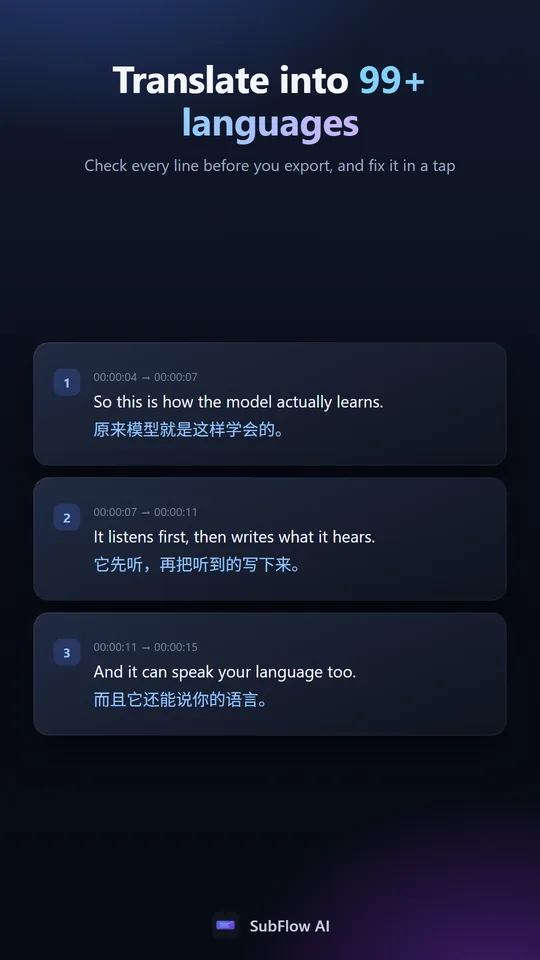
The dub is spoken from the translated subtitles, so correcting a name or a term in the editor changes what the voice says.
Workflow
Add the video or audio. SubFlow writes the speech out as timed captions in the original language.
Pick the target language, review the translation line by line, then choose from the voices available for it.
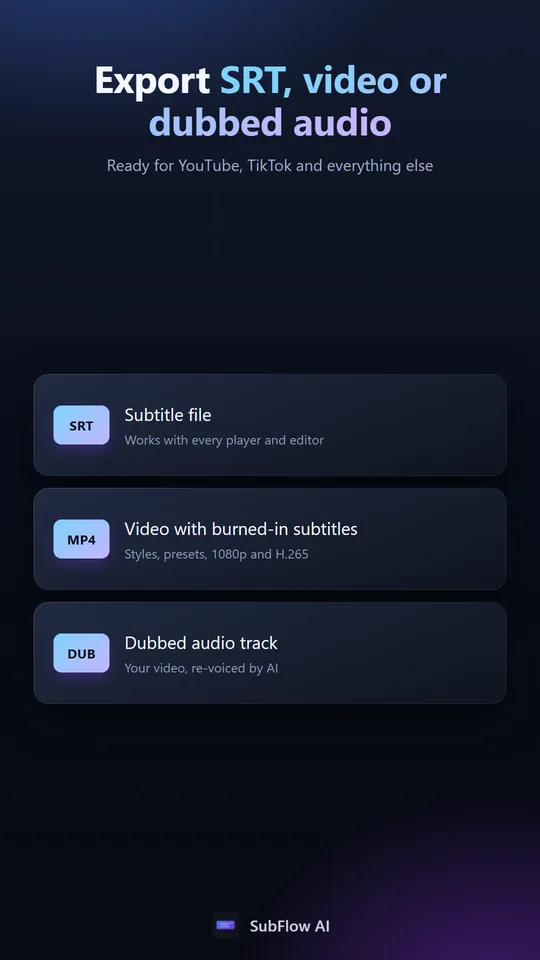
Take the dubbed audio track on its own, or the finished video with the new voice in place.
In the app
Common questions
About 85, including Persian, Arabic, Spanish, Portuguese, Indonesian, Turkish, Hindi, Japanese, Korean and Chinese. The voice list for your chosen language is shown before you generate anything.
Each line is fitted to the window it has, using the gap before the next line where one exists, so timing does not drift across a long video.
Yes. The dub is generated from the translated captions, so edit the line and regenerate that segment.
Your source file is untouched. Export the dubbed track separately, or a video with the new voice, whichever you need.
No. Dubbing is part of the Pro plan; subtitles and translation are available on every plan, including the free one.
The voices are neural text to speech, but the value is the rest of the chain: recognising the speech, translating it in context, and timing each line to the picture.