Standard SRT output
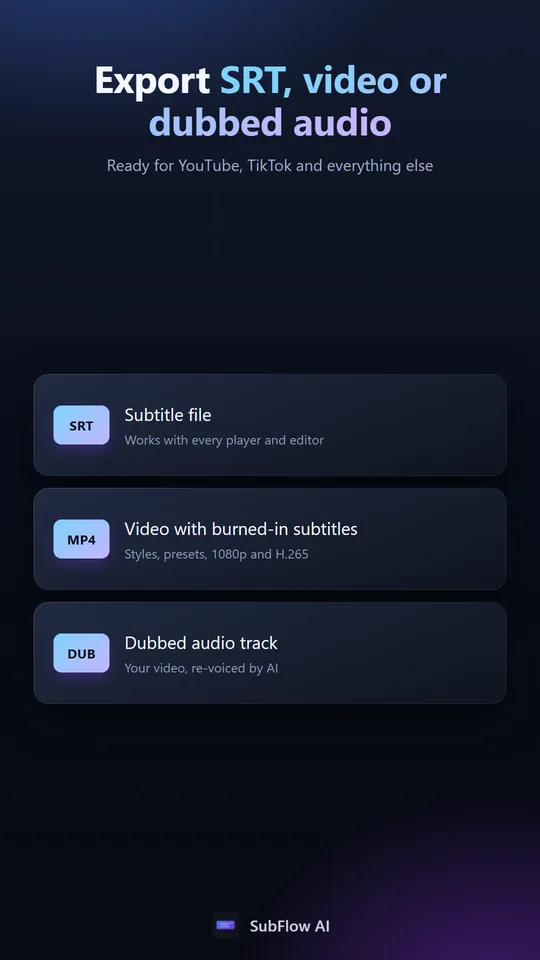
Download a widely supported subtitle file for YouTube, video editors, and media players.
SRT subtitle translator
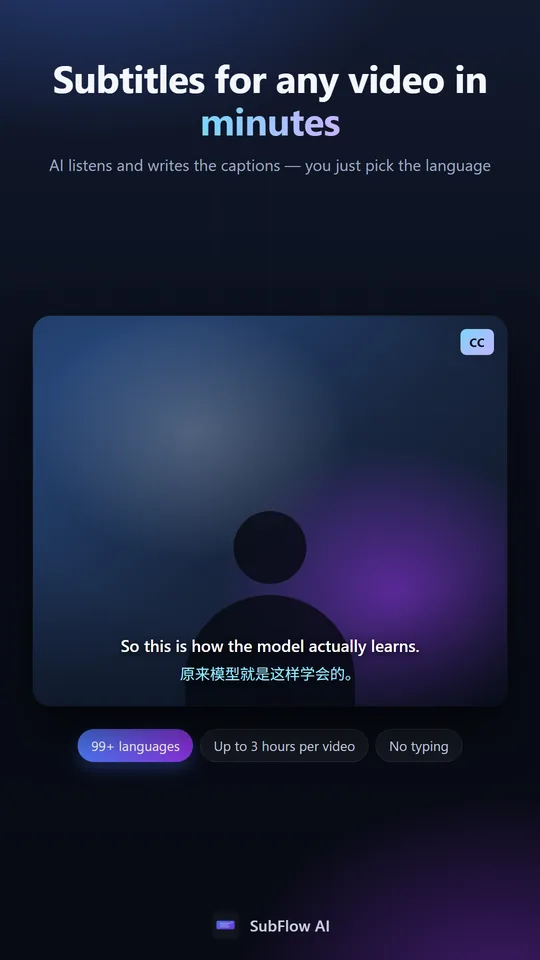
Generate an SRT from video, translate it, inspect both languages line by line, and download a clean file ready for publishing.
30 free minutes monthly · No credit card · 99+ languages
Download a widely supported subtitle file for YouTube, video editors, and media players.
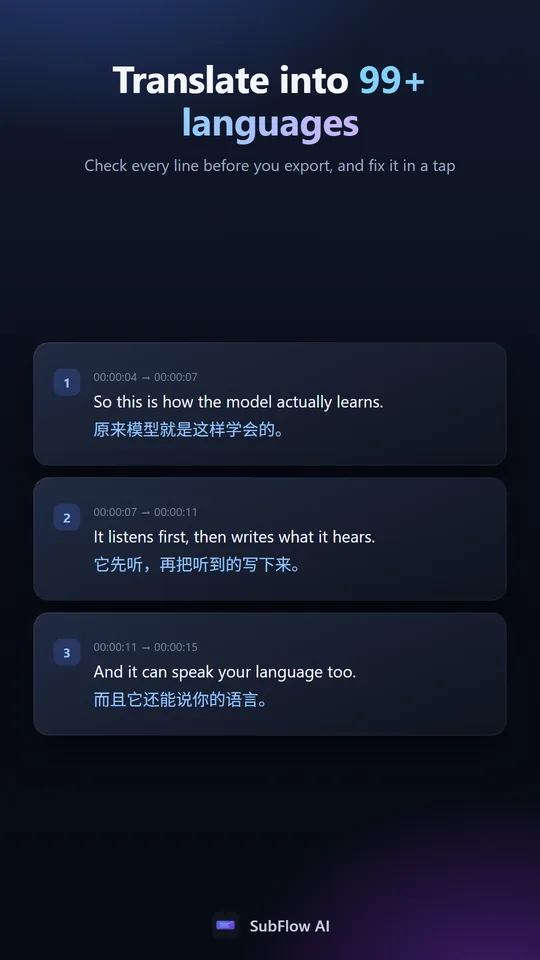
Switch between original, translated, and bilingual views while reviewing each caption.
Fix names, terminology, and line breaks in the browser before the file reaches your audience.
Workflow
Upload the video or audio file to create the transcript and timing.
Review each source caption beside its translation and adjust wording as needed.
Choose original, translated, or bilingual output and save the subtitle file.
In the app
Common questions
The current workflow creates translated SRT subtitles from video or audio. Direct SRT upload is not currently available.
Yes. Standard SRT files can be uploaded to YouTube Studio as a subtitle track.
Yes. Choose bilingual export to include original and translated caption text.
Yes. Use the browser editor to revise, split, and merge caption lines before exporting.