99+ target languages
Localize tutorials, interviews, courses, and social videos for audiences around the world.
Video subtitle translator
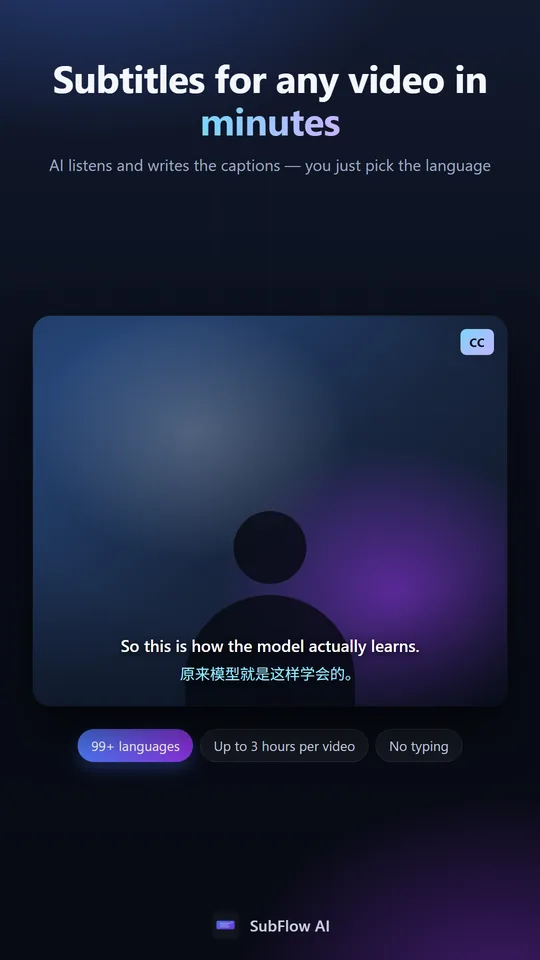
Transcribe the original speech, translate every caption, and keep both languages aligned in one visual workspace built for creators.
30 free minutes monthly · No credit card · 99+ languages
Localize tutorials, interviews, courses, and social videos for audiences around the world.
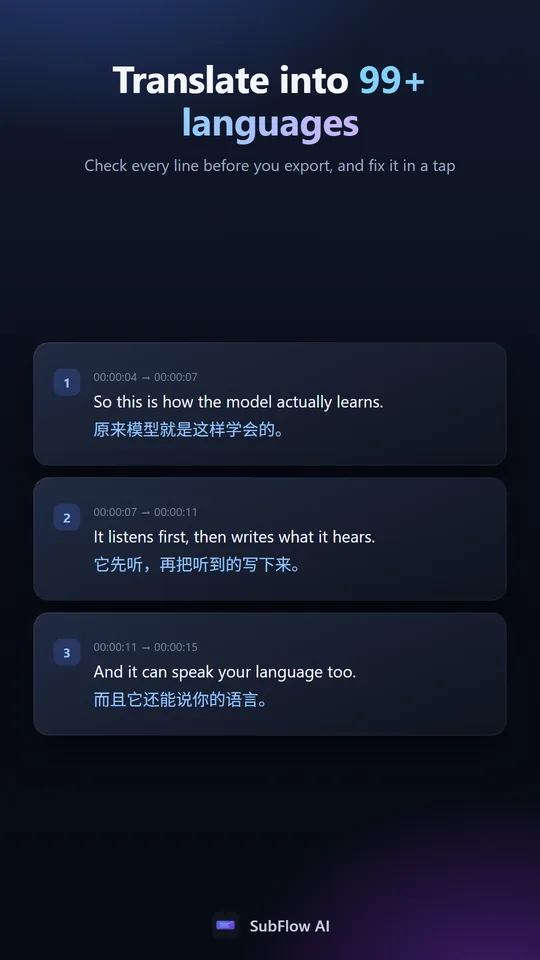
Compare the original and translated line at the same timestamp instead of switching between documents.
Translation remains attached to the original caption timing while you review and edit.
Workflow
Let SubFlow detect the spoken language or select it, then choose the audience language.
Play the video and refine original or translated captions in the same timeline.
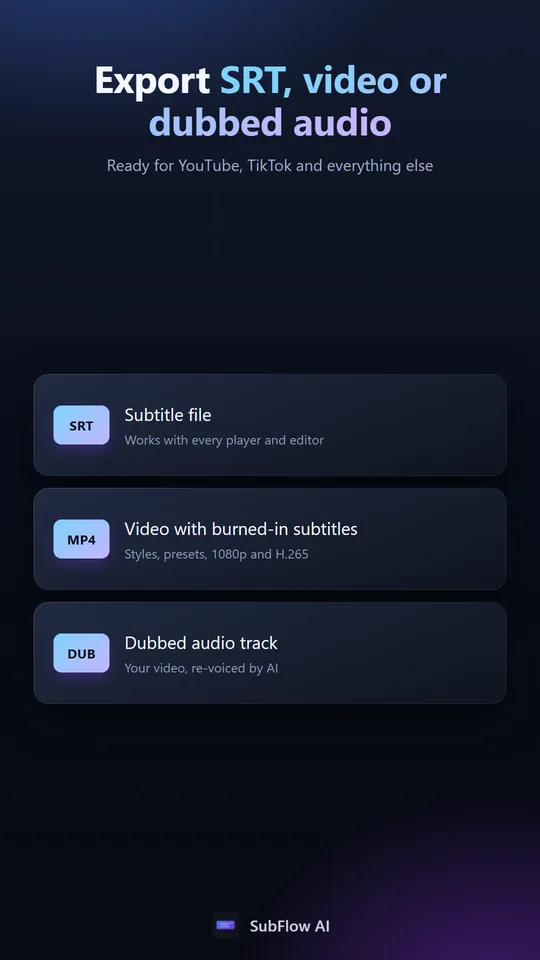
Export bilingual or translated SRT, or render subtitles directly into video.
In the app
Common questions
The platform supports more than 99 target languages, with the current catalog shown when you create a project.
Yes. Choose translated, original, or bilingual output when exporting.
Translated text stays associated with the timing of its original caption segment.
Yes — save the file first. Upload a video you own or have permission to process, and SubFlow does the rest.